
UI/UX

- Description
- Curriculum
- Reviews
Overview
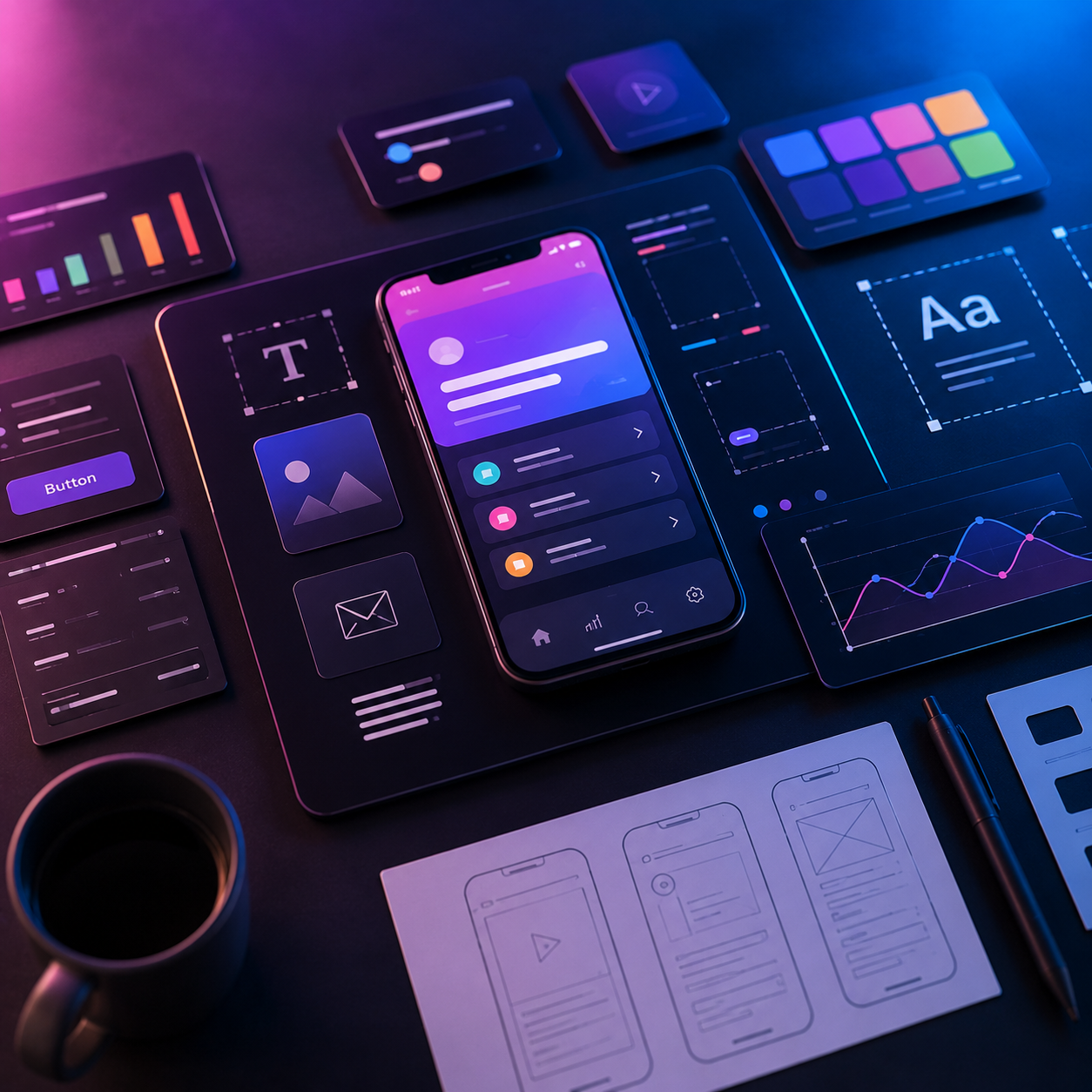
The primary goal of this quick start guide is to introduce you to the fundamentals of UI/UX Design. By the end of this guide, you’ll understand how to design intuitive, visually appealing, and user-friendly digital products that provide seamless user experiences across web and mobile applications.
This guide demonstrates how to design user interfaces using industry-standard tools such as Figma, Adobe XD, and Sketch. You’ll learn the complete UI/UX design process, including user research, wireframing, prototyping, visual design, usability testing, and design systems.
By completing this guide, you’ll have a professional UI/UX project that showcases real-world concepts such as user flows, interactive prototypes, responsive layouts, design systems, and user-centered design principles.
Main Features
UI/UX Design
- Introduction to UI and UX Design
- User Research and Persona Creation
- Information Architecture
- User Journey Mapping
- Wireframing and Low-Fidelity Designs
- High-Fidelity UI Design
- Interactive Prototyping
- Responsive Web and Mobile Design
- Typography, Color Theory, and Layout Principles
- Design Systems and Component Libraries
- Accessibility (WCAG) and Inclusive Design
- Usability Testing and User Feedback
- Portfolio and Case Study Development
Industry Tools
- Figma
- Adobe XD
- Sketch
- Adobe Photoshop
- Adobe Illustrator
- FigJam
- Miro
- Zeplin
- Basic HTML & CSS for Designers
- Design Handoff to Developers
This guide provides a complete introduction to UI/UX Design, helping you create modern, responsive, and user-centered digital products for websites, mobile applications, SaaS platforms, e-commerce, and enterprise solutions.
What is the target audience?
This course is designed for:
- Beginners who want to learn UI/UX Design from scratch.
- Students interested in designing websites and mobile applications.
- Graphic designers looking to transition into UI/UX Design.
- Web developers who want to improve their design skills.
- Product managers and entrepreneurs who want to build user-friendly digital products.
- Freelancers interested in offering UI/UX design services.
- Professionals looking to switch careers into product and interface design.
- Anyone passionate about creating engaging and intuitive user experiences.